
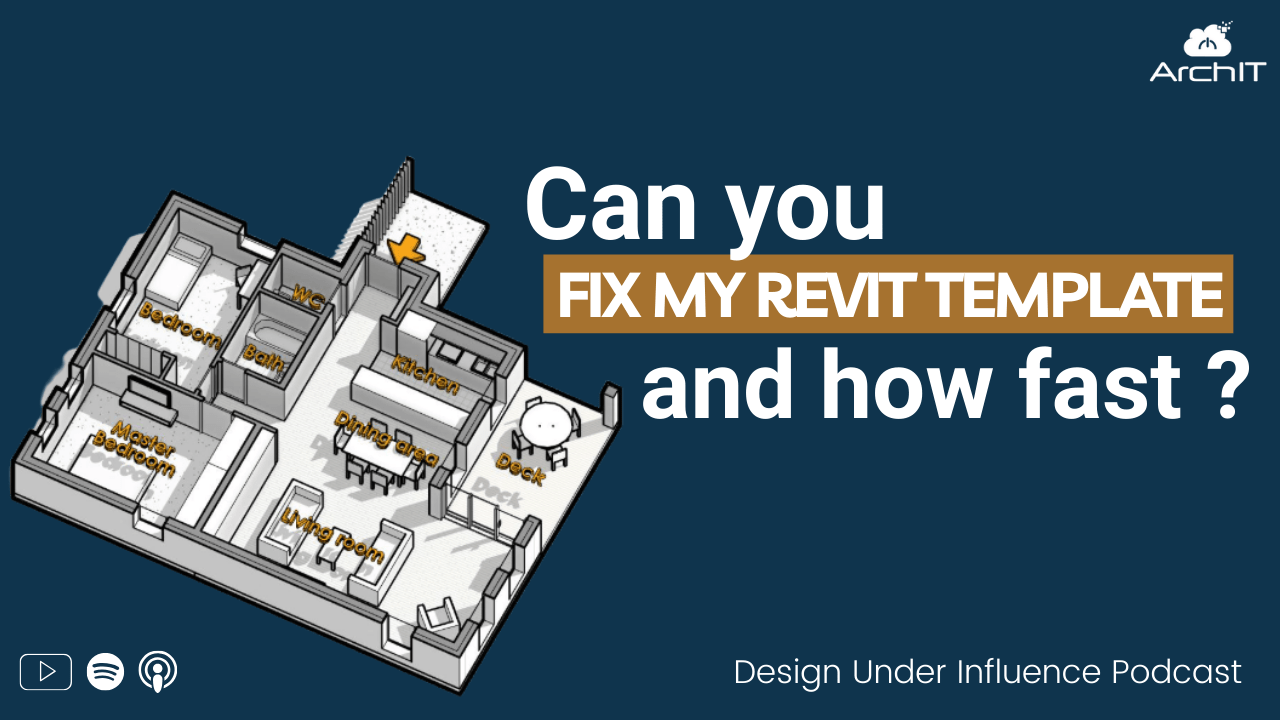
Can you Fix My Revit Template and How Fast?
The question, “Can you fix my Revit template?” might seem straightforward, but it opens a complex conversation about customization, workflow, and user habits in the architecture and design world. Revit templates are often misunderstood as a one-size-fits-all solution, when in reality, they are dynamic frameworks that evolve with every project, user preference, and firm-wide standard. Understanding what a template truly is—and why it cannot be “fixed” quickly without context—is the first step toward building better digital infrastructure for your design workflow.
What Is a Revit Template?
A Revit template is a foundational project file intended to standardize and accelerate workflows. It contains configurations like line styles, view templates, annotation standards, loaded families, object styles, and more. In essence, it’s a digital toolbox designed for a specific type of project.
However, there’s no such thing as a “final” template. As projects evolve and software updates roll out, templates need to be maintained and refined. The more consistent the project type, the more streamlined the template becomes. But even within similar projects, client expectations, team feedback, and design complexity can shift what’s needed.
Why a “Quick Fix” Doesn’t Work
Fixing a template isn’t about applying a patch—it’s about understanding how the template is being used. The tools, workflows, and even regional project requirements all impact what needs to be included or removed. Without context, changes made to a template may clash with how teams actually work.
A collaborative, project-based approach is essential. The most effective way to evaluate and improve a template is to use it in a live project setting. Only then can inefficiencies and missing components be identified in real-time.
The Business Case for Better Templates
A properly developed and maintained Revit template can reduce production time by 50–80%, especially for repetitive or consistent project types. By front-loading decisions and embedding standards into the template, firms save hours in setup and minimize rework throughout the design cycle.
Just as importantly, a solid template reduces friction and frustration among teams. For example, not having to hunt for a wall tag or override line weights every time you start a new drawing allows users to focus on design instead of file management.
The Risk of Bad Content
Template quality doesn’t stop with settings. Content—including families, annotation elements, and imported data—can significantly impact project health. Over-modeled manufacturer content or imported CAD files can bloat Revit projects, introduce conflicting standards, and make visibility settings unmanageable.
Maintaining a clean content library and routinely auditing what’s added to the template is essential. Many teams benefit from an external “department store” model, where content is staged and tested before being brought into live project environments.
Training and Visualization: The Missing Pieces
A frequent gap in Revit training is the understanding of how models translate into 2D documentation. While most students and new users grasp 3D modeling easily, managing how the model appears in construction documents (e.g., line weights, cut views, projection settings) is often overlooked.
Training that emphasizes how to control display settings, rather than just modeling, prepares teams to produce consistent and clean drawings. Empowering users to understand the difference between local view overrides and global object styles builds stronger, more independent design teams.
A Collaborative Fix
Improving a Revit template is best approached as a joint effort between leadership, production teams, and experienced BIM consultants. Starting with user feedback and frustrations, consultants can shadow live project work to see where tools are missing or misaligned. From there, iterative improvements can be made and tested directly within real workflows.
By building something together—a floor plan, a test section, or a mock project—the consultant gains insight into actual user needs, and the firm benefits from hands-on support. This approach leads to lasting improvements, not short-term bandages.
Conclusion
Revit templates are not static deliverables—they are evolving frameworks that require attention, maintenance, and thoughtful collaboration. While no one can “fix” your template without context, working alongside experienced professionals, building real-world examples, and staying committed to continuous improvement will ensure your digital toolbox grows with your team.
Ultimately, the goal isn’t just to fix the template—it’s to build a process and mindset that supports your design vision from project start to closeout.
If you have questions or need help please reach out to us. ArchIT specializes in providing IT services for architecture, design, and engineering firms.