
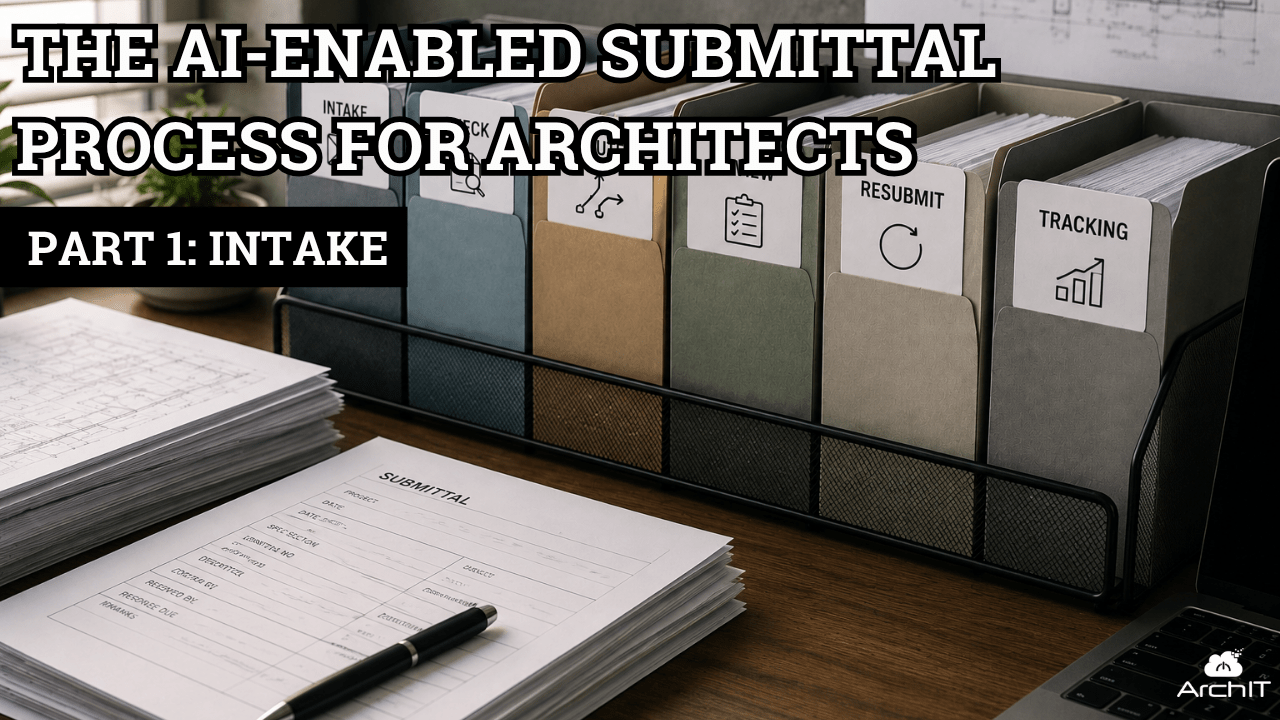
The AI-Enabled Submittal Process for Architects. Part 1: Intake
A single submittal is usually manageable. It arrives, someone checks it, logs it, routes it to the appropriate reviewer and returns the response to the contractor.
The challenge appears when that process is multiplied across dozens, or potentially hundreds of submittals and resubmittals on multiple active projects.
What looks like a straightforward workflow quickly becomes a significant administrative burden. Files must be located, downloaded and identified. Project information must be extracted. Contractor-review information must be checked. Deadlines must be reconciled. Log entries must be created, and the package must be routed to the correct person.
Each individual action may be small, but the volume creates constant context switching, compresses project fees and introduces opportunities for important details to be missed.
Architects did not enter the profession to become human routers. That is where thoughtfully implemented AI can help.
A three-part look at the submittal process
In this Design Under Influence series, we divide the submittal workflow into three distinct sections:
- Submittal intake, logging and routing
- Submittal review
- Submittal tracking and resubmittals
This separation is important. Each section has a different purpose, different risks and different points at which human judgment is required.
In Episode 1, we focus exclusively on intake. The objective is not to have AI approve a submittal or perform the architect’s professional review. The objective is to reduce the administrative work required to prepare the package for that review.
Building the workflow with prompts
For the demonstration, we created a fictional door-hardware submittal, an applicable specification section and an existing project Submittal Log.
We then used Microsoft Copilot Cowork to develop the intake process one prompt at a time.
The first prompt asked the AI to identify the files and extract the relevant intake information with source locations. It found the project information, submittal number, specification section, parties, dates, revision and package contents.
That initial result established the foundation, but extracting information was only the beginning. We also needed the AI to evaluate whether the package was administratively complete.
Our first attempt at the completeness prompt was intentionally brief. The result looked reasonable at first glance, but it did not apply enough of the firm’s intended intake criteria. It produced several reassuring green checks without giving us the level of scrutiny or control we needed.
That is an important AI lesson: a plausible-looking response is not necessarily a usable workflow.
We revised the prompt to define the completeness checks more specifically. The improved instructions asked the AI to examine contractor-review evidence, identifier consistency, enclosures, legibility, revision status and conflicting dates. It also required citations and prohibited the AI from making unresolved project decisions.
The more specific prompt produced the desired result.
Finding issues without making decisions
The AI identified that the contractor-review and approval block was printed on the submittal—but had not actually been completed.
That distinction matters. The presence of a form or stamp location is not evidence that the required review occurred.
The AI also identified a conflict involving the requested response date. Rather than treating the contractor’s requested date as a confirmed contractual deadline, it surfaced the issue for human review.
These findings led to the recommended intake status: Pending Intake. The package could be recorded, but it should not proceed into technical review until the contractor-review information was corrected.
This demonstrates one of the most valuable roles AI can play in an architecture workflow: finding and organizing information while leaving project-specific decisions with the appropriate person.
From recommendation to controlled action
After reviewing the proposed result, we authorized Cowork to add the approved entry to the Submittal Log.
The AI populated the row using the workbook’s existing structure and terminology, included notes explaining the intake issue and reported what it changed. It also drafted a response to the contractor requesting a corrected package.
The correspondence remained a draft. A person would still review, modify and send it through the firm’s approved communication process.
This is the operating model we recommend:
AI prepares. A human verifies and decides. AI executes only the approved action. The result is then checked.
That control sequence is more important than any individual prompt.
Why the first prompt is not the final product
The prompt-by-prompt process is valuable because it helps a firm discover what the workflow actually requires.
Every incomplete answer reveals a missing instruction. Every unsupported assumption reveals a necessary boundary. Every project decision reveals a point where the AI must stop for human review.
But firms should not expect every employee to recreate that discovery process for every submittal.
Once the workflow produces a reliable result, the next step is to package the tested instructions as a reusable AI skill.
Turning the workflow into a team skill
At the end of the demonstration, we asked Cowork to convert the successful intake process into a Submittal Intake skill.
The skill incorporated:
- Required source documents
- File identification and metadata extraction
- Source citations
- Administrative completeness checks
- Role and date handling
- Routing recommendations
- Human-review gates
- Workbook safeguards
- Duplicate checking
- Verification after an approved write
- Boundaries against technical review and unauthorized communication
- Recovery behavior when information is incomplete or ambiguous
We then opened a fresh Cowork task, restored the original Submittal Log and invoked the skill on the same demo documents.
Instead of rebuilding the workflow through multiple prompts, the skill reproduced the intended process and stopped at the designated human-review gate.
That is the real transformation.
The initial prompt sequence helps design the process. The skill turns that process into a reusable organizational capability.
Smaller skills are often more dependable
A submittal workflow can become complicated quickly. Trying to place intake, technical review, routing, correspondence, tracking and resubmittals into one enormous skill may create competing instructions and unpredictable results.
A more manageable approach is to create focused skills that perform clearly bounded tasks:
- One skill for intake
- One skill for review assistance
- One skill for tracking and resubmittals
Those skills can eventually be connected into a larger workflow, but each component should first work reliably on its own.
Secure AI adoption comes first
Submittals may contain confidential project, owner, contractor and product information. Firms should not place that information into unapproved personal or public AI accounts.
Before connecting AI to email, project files or construction administration systems, the firm should establish its policies, data classifications, approved platforms, permissions and human-approval requirements.
Connecting more systems can make the workflow more powerful, but it also increases the information and actions available to the AI. That access should be deliberate and governed.
The blueprint
The broader lesson from Episode 1 is not simply that AI can enter a row in a spreadsheet.
It is a repeatable method for improving a firm’s workflow:
- Break the process into clearly bounded stages.
- Map the inputs, outputs and decision points.
- Develop the workflow through specific prompts.
- Compare the results with a known answer.
- Add human-review gates and safety boundaries.
- Correct the process until the output is dependable.
- Package the successful workflow as a reusable skill.
- Test the skill in a fresh task.
- Pilot it with a controlled team before expanding it.
AI does not replace the architect’s judgment in this model. It reduces the searching, extracting, re-keying, checking and routing that surrounds that judgment.
The result is not automated architecture. It is a more consistent and controlled way for architects to spend less time administering the process—and more time practicing architecture.
In Episode 2, we will examine how AI can assist with submittal review and cross-checking while keeping the architect firmly in control of the professional judgment.
If you have questions or need help please reach out to us.
ArchIT specializes in providing IT services for architecture, design, and engineering firms.